
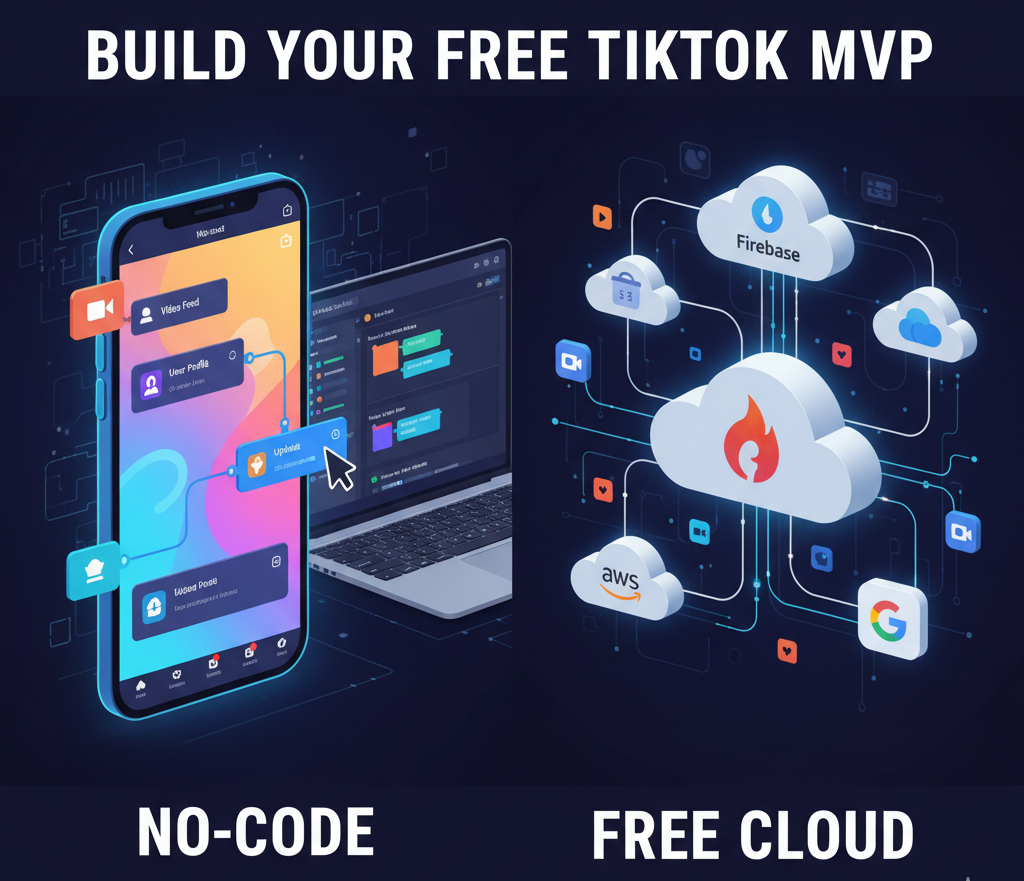
The world of short-form video has exploded, and every aspiring entrepreneur dreams of launching the next global phenomenon like TikTok. The appeal is undeniable, but the question that quickly follows is: “How to make an app like TikTok for free?”
While the complete, professional, fully-featured TikTok clone built for a massive user base will inevitably incur costs, there are genuine, free-to-start strategies and tools you can leverage to create a Minimum Viable Product (MVP), test your concept, and lay the foundation for a future empire. This article will break down the dream versus the reality, offering a comprehensive, step-by-step guide on starting your short-video app journey without immediate, heavy financial investment.
🚀 Phase 1: The “Free” Foundation – Strategy and Research
Before you write a single line of code (or drag a single block), the most critical steps are entirely free and essential for saving money later.
1. Niche Down and Define Your Unique Selling Proposition (USP) (Free)
TikTok is a behemoth; you can’t beat it at its own game. The first rule of free app development is to target a niche.
- Target Audience: Instead of “everyone,” think “Gen Z food critics” or “remote workers sharing micro-productivity hacks.”
- The Unique Value: What does your app do that TikTok doesn’t?
- Example: Does it integrate directly with a local music scene? Is it purely for educational content creators? Your unique angle is your competitive advantage.
2. Competitive Analysis and Feature Prioritization (Free)
Analyze your potential competitors (including TikTok, YouTube Shorts, and Instagram Reels). List their core features, then define the Minimum Viable Product (MVP) for your app. The “free” app must only include the absolute essentials.
| Essential MVP Features | Why They Are Essential |
| User Sign-in/Profile | Required for personalization and content creation. |
| Video Upload/Recording | The core function of a video app. |
| Vertical Video Feed (Basic) | The primary way users consume content. |
| Like & Comment | Basic social interaction for engagement. |
🛠️ Phase 2: The “Free” Toolkit – Choosing No-Code Solutions
The single most effective way to eliminate the massive cost of hiring developers (which can start from $20,000 for an MVP and go well over $200,000 for a complex app) is to use No-Code/Low-Code platforms. Many offer powerful free-tier plans perfect for building a prototype.
3. The No-Code/Low-Code Route (Free to Start)
These platforms allow you to build functional mobile apps using drag-and-drop interfaces without writing complex code.
- App Builders (e.g., Appy Pie, Andromo, Glide, FlutterFlow – Free Plans Available): These tools often provide templates for social network or media-sharing apps.
- Pro: Rapid prototyping, visual development, no coding skills required.
- Con: Free plans usually have limitations (e.g., watermarks, restricted user count, basic features, or only working as a web app/Android build). You will likely need to move to a paid plan to publish on the Apple App Store or scale.
4. Leveraging Free Backend & Data Services (Mostly Free)
A TikTok-like app needs a robust backend to handle user data and video storage. You can start with extremely generous free tiers offered by major cloud service providers.
- Firebase (Google): Offers a fantastic free Spark plan for your database, user authentication, and hosting. It’s perfect for the MVP stage.
- Cloud Storage (AWS S3/Google Cloud Storage): While video hosting can get expensive as you scale, their initial free tiers can cover the storage needs of your first few hundred users during testing.
- API Integrations (Potentially Free): You may need to integrate third-party APIs for complex features like real-time chat (e.g., basic versions of platforms like Sendbird or Twilio) or advanced video encoding, which may have free or extremely low-cost starter plans.
5. Designing the UI/UX (Free Tools)
The TikTok experience relies heavily on a seamless, clean, and addictive User Interface (UI) and User Experience (UX).
- Wireframing & Prototyping (Figma or Adobe XD – Free Plans): These industry-standard tools allow you to design the look and feel of your app for free. Create detailed mockups of the vertical feed, profile pages, and the video creation flow before you even start building. This step is crucial for getting the “feel” right.
📈 Phase 3: The Cost of Scaling and The Realities of “Free”
While you can technically make and launch an MVP for free or near-free, turning it into the next TikTok is where the reality of costs hits.
| Cost Component | MVP “Free” Approach | Scaling Reality (Not Free) |
| Development | No-Code Builder Free Plan | Hiring a Dev Team ($80,000+ for full-featured) |
| Video Storage | Cloud Free Tier (e.g., Firebase, AWS) | Massive CDN/Cloud Storage Fees (Bandwidth, Terabytes of video) |
| Monetization | Basic Ads (if supported by no-code platform) | In-App Purchases, Advanced Ad Networks, Live Streaming Features |
| Algorithmic Feed | Simple “Most Recent” or “Most Liked” Sort | Advanced Machine Learning/AI for Personalization |
| App Store Fees | (Wait for paid plan to publish) | Apple Developer Program ($99/year), Google Play Developer ($25 one-time) |
The true cost of an app like TikTok isn’t the initial build; it’s the server and maintenance cost to host and stream billions of videos to millions of users.
Here is a breakdown of the free-tier limitations for some of the most popular no-code platforms, focusing on building a high-data app like a TikTok MVP.
💡 Free-Tier Limitations for a TikTok MVP
A TikTok-style app requires significant file storage (for videos), database records (for users, likes, and comments), and bandwidth (for streaming video content).
| No-Code Platform | Focus / Best For | Key Free-Tier Limitations for Video Apps | The Catch (What You Can’t Do) |
| Bubble | Complex web apps, social networks, custom workflows. | Core Limitation: Backend Capacity/Speed. Free tier limits server capacity, storage, and has lower data processing speeds. | Your app will be noticeably slow and can easily crash or time out with even minimal video uploads or concurrent users. You cannot use a custom domain. |
| FlutterFlow | Native mobile apps (iOS/Android), performance. | Core Limitation: Project Count and AI/API Limits. Limited to 2 projects. AI code generation is severely restricted (e.g., 5 requests/lifetime). | You cannot export the clean source code (a key feature for developers) and are limited in API calls (needed for advanced video processing). |
| Appy Pie | Simple drag-and-drop apps, multi-purpose digital solutions. | Core Limitation: No True Free Plan (often a free trial only). The most basic paid plan ($16/month) often limits you to Android/PWA only, and has a cap on app downloads/users (e.g., 500/month). | The free tier is often a trial period or only allows for a test app on their platform, not a live app ready for the public or app stores. |
| Glide | Simple mobile apps from spreadsheets (e.g., Google Sheets). | Core Limitation: Data and User Count. Extremely limited database rows (e.g., 500 rows/table) and max users (e.g., 3 users). | Your app would immediately hit the user or data limit once a handful of people sign up and upload a few videos, making it unworkable for a social network MVP. |
The Two Major Hurdles for a “Free” Video App
- Storage and Bandwidth: Video is the most data-intensive content type. Every platform’s free plan will offer a tiny amount of storage and bandwidth. Even one user uploading a handful of 30-second videos will quickly consume the free storage limits, forcing you to upgrade or incur overage fees.
- App Store Publishing: Almost none of the major no-code platforms allow you to publish a fully white-labeled app (without their branding) to the Apple App Store or Google Play Store on their free plan. This is reserved for their paid tiers. Your free app will typically be a Web App (PWA) accessible only via a browser link.
✅ The Free MVP Strategy
The most viable free path is a hybrid approach, focusing on the core concept:
- Platform: Use a platform with a generous free build tier (like Bubble or FlutterFlow) to design and test the user interface and logic.
- Backend (The Secret): Use a free-tier scalable database like Firebase or Supabase for the user data, video storage, and file serving. These services offer generous free tiers specifically for storage and data transactions that are far better than a no-code platform’s built-in database.
This way, you use the no-code tool for the visual front-end and a dedicated, free-tier cloud service for the heavy lifting, making a truly free MVP feasible.
In conclusion, “making an app like TikTok for free” is achievable for a basic, prototype-level MVP using no-code platforms and free cloud services to validate your idea and niche. Once you gain traction, you can leverage initial user feedback and potential investment to justify the pivot to a more scalable, professional development model.